Experience
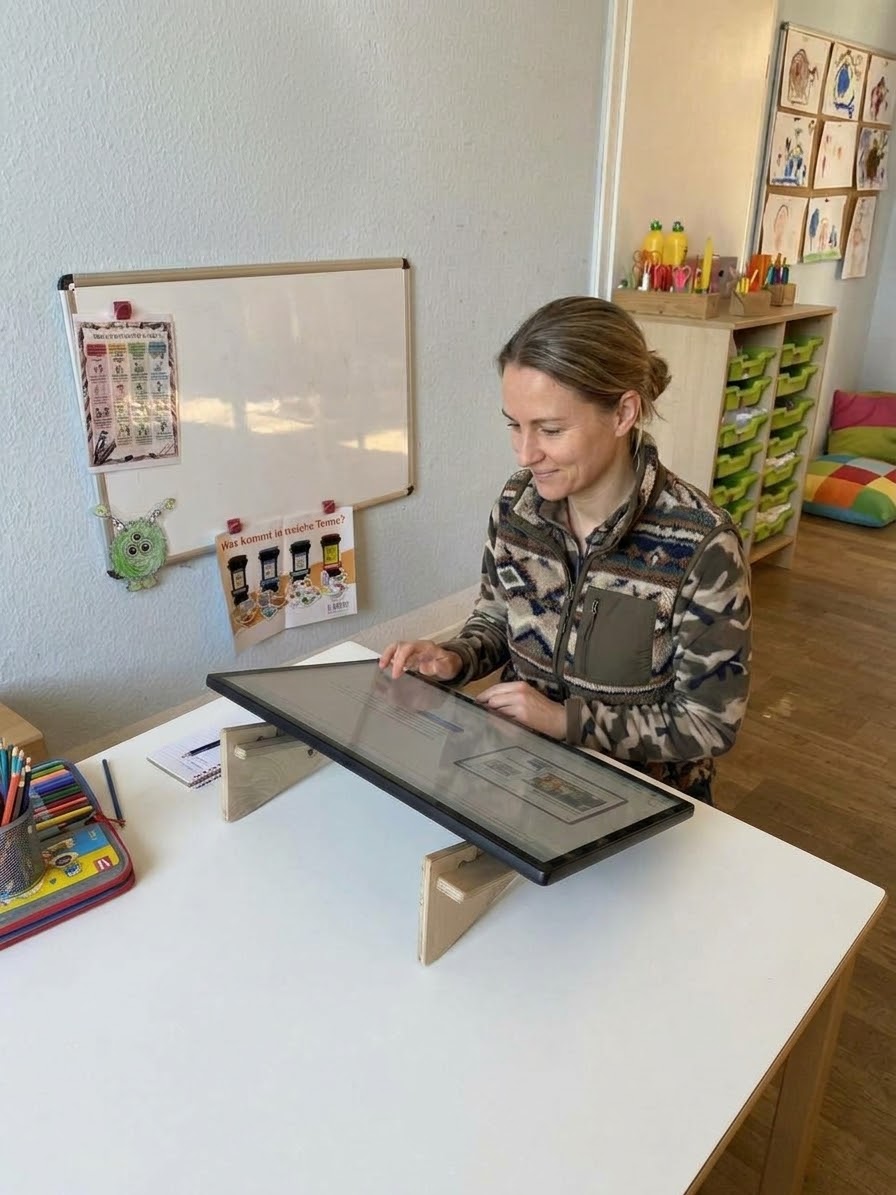
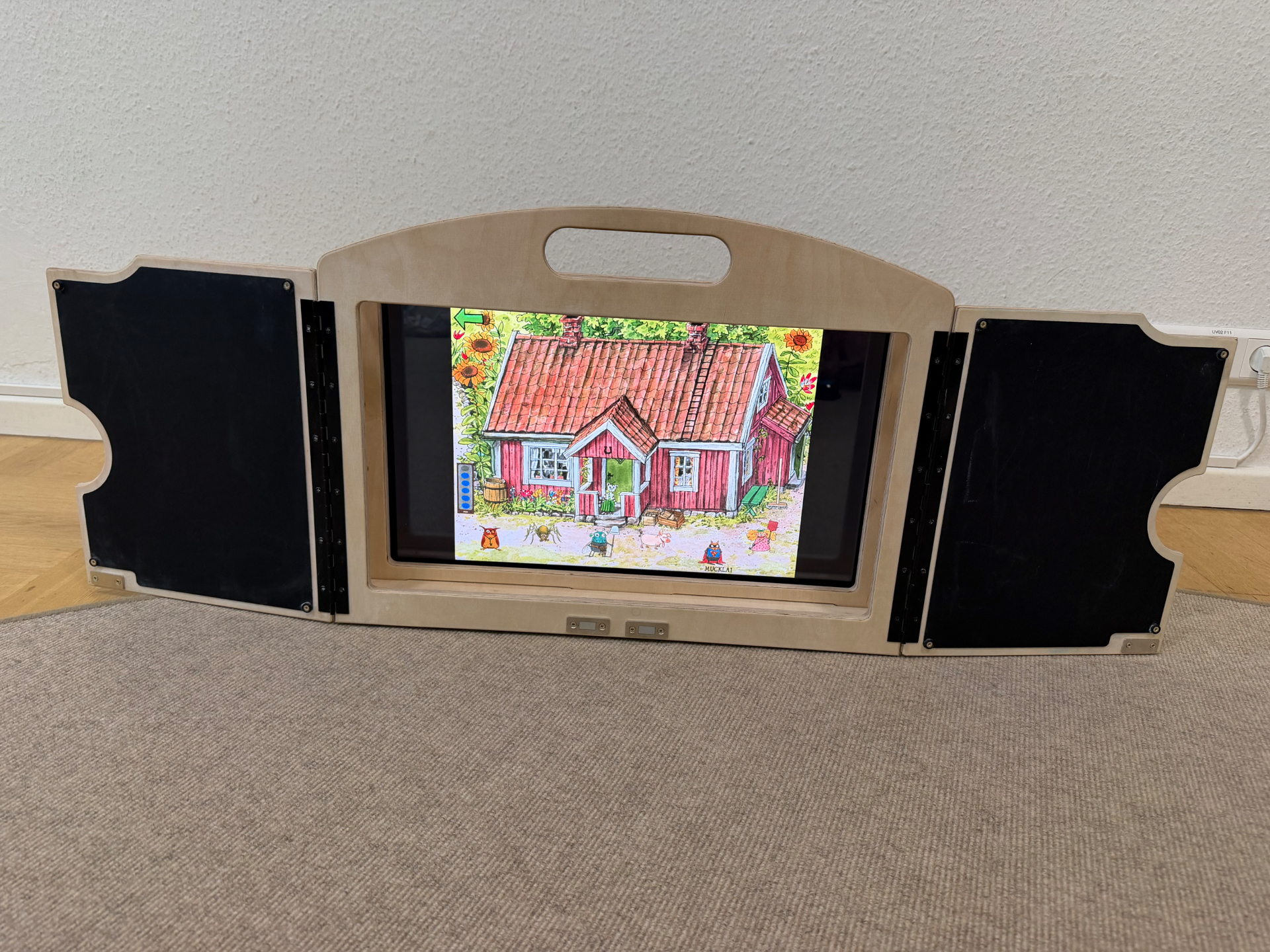
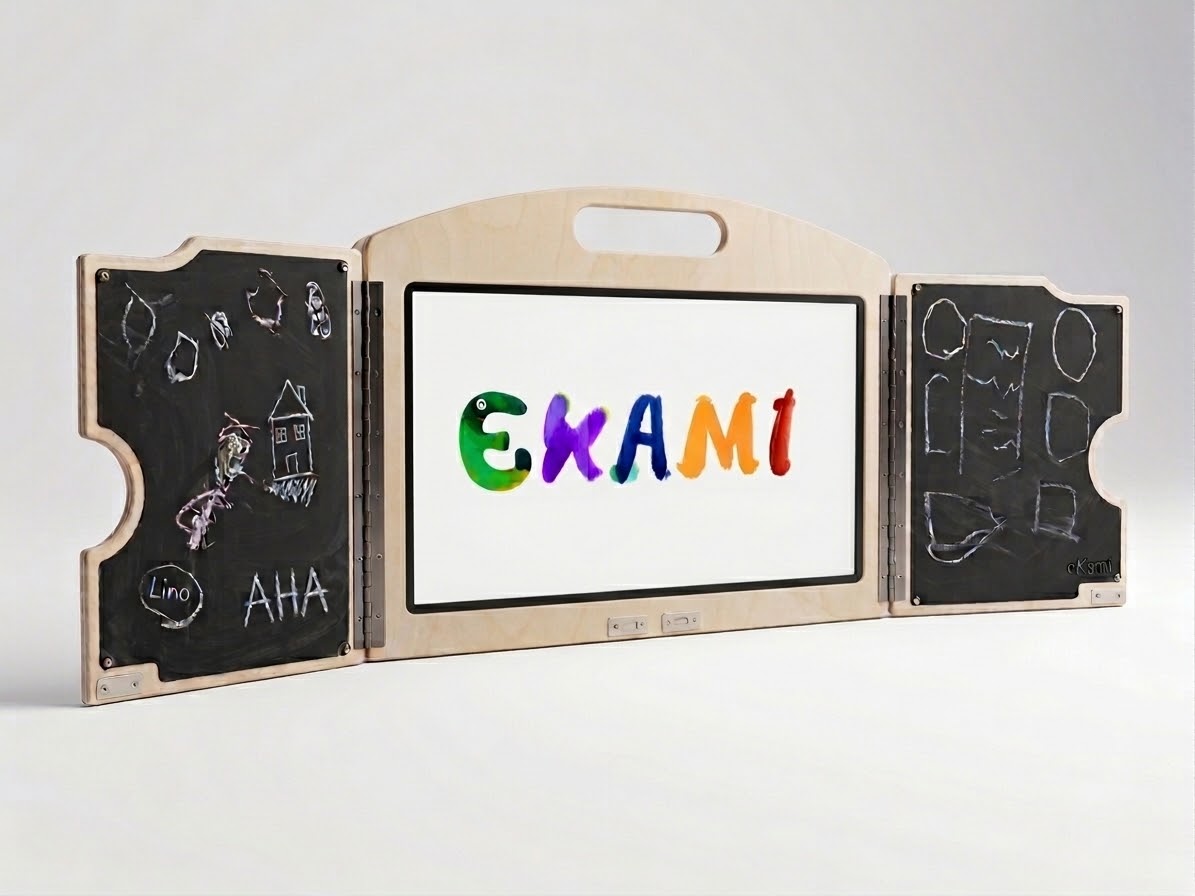
Screen in the wooden frame – slightly tilted
Discover content together, experience stories, watch videos, work interactively and present.
- Stories
- Videos
- Media education
- Group work
Mobile media centre
Mobile media centre for education, creativity and pedagogical work.
Experience digital media, create your own content, work together and document pedagogical processes – flexibly, in one place.
Nursery · After-school club · Primary school · Library

The stage opens
The eKami brings digital content into the group. Everyone looks at the same surface, talks about it and shapes the moment together.
It combines the familiar storytelling form of the Kamishibai with the possibilities of digital media – from picture books to your own film.
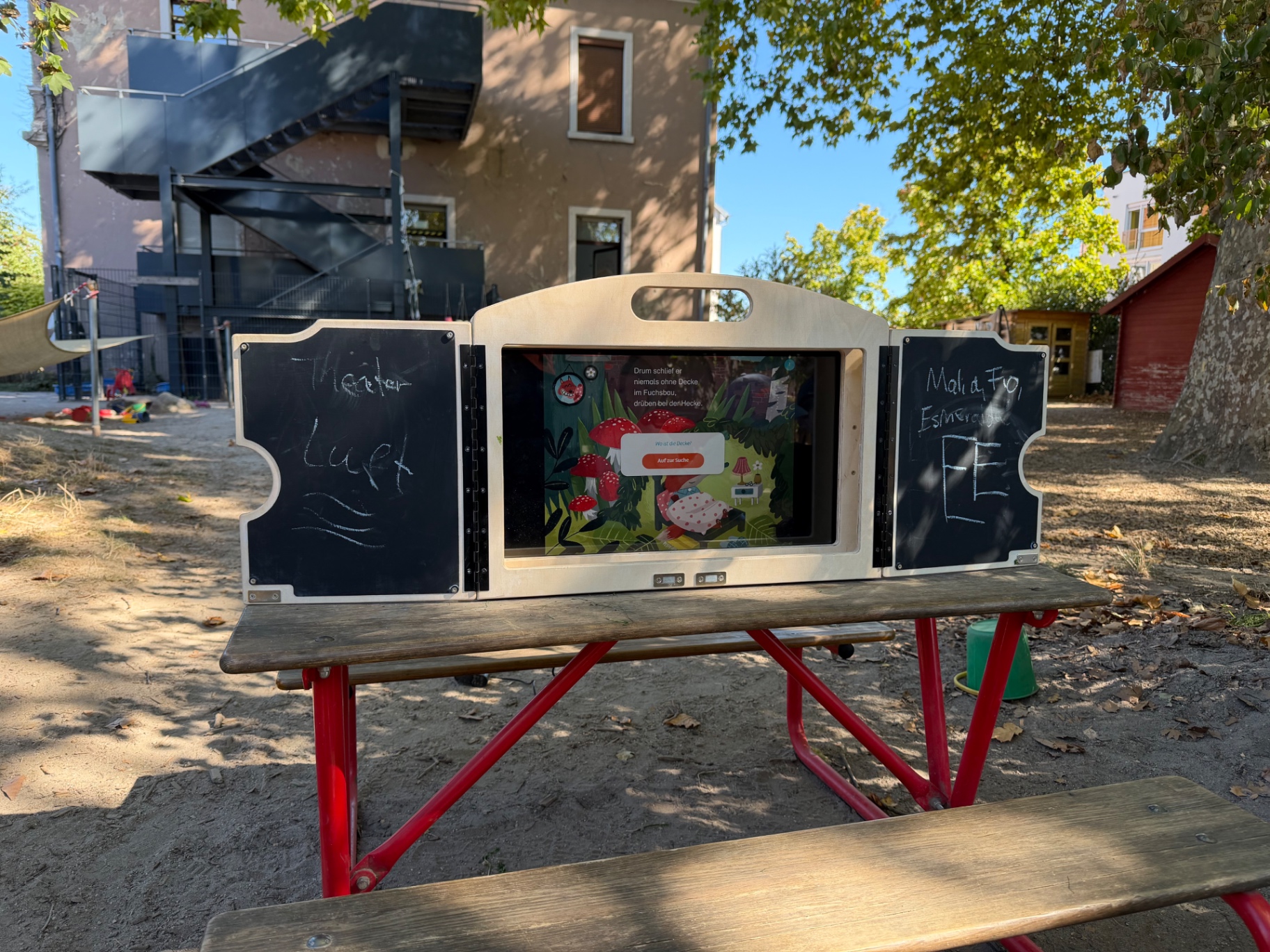
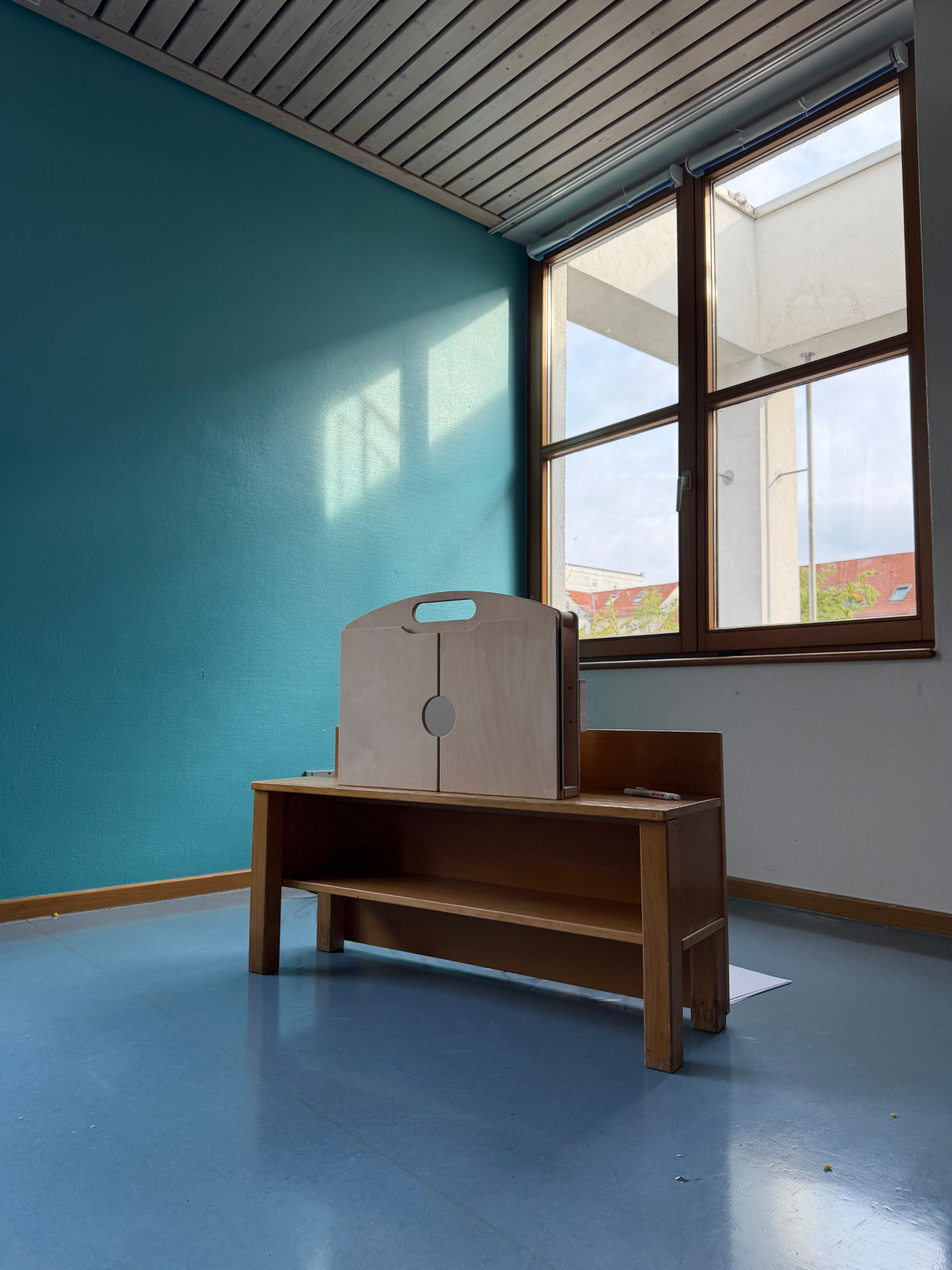
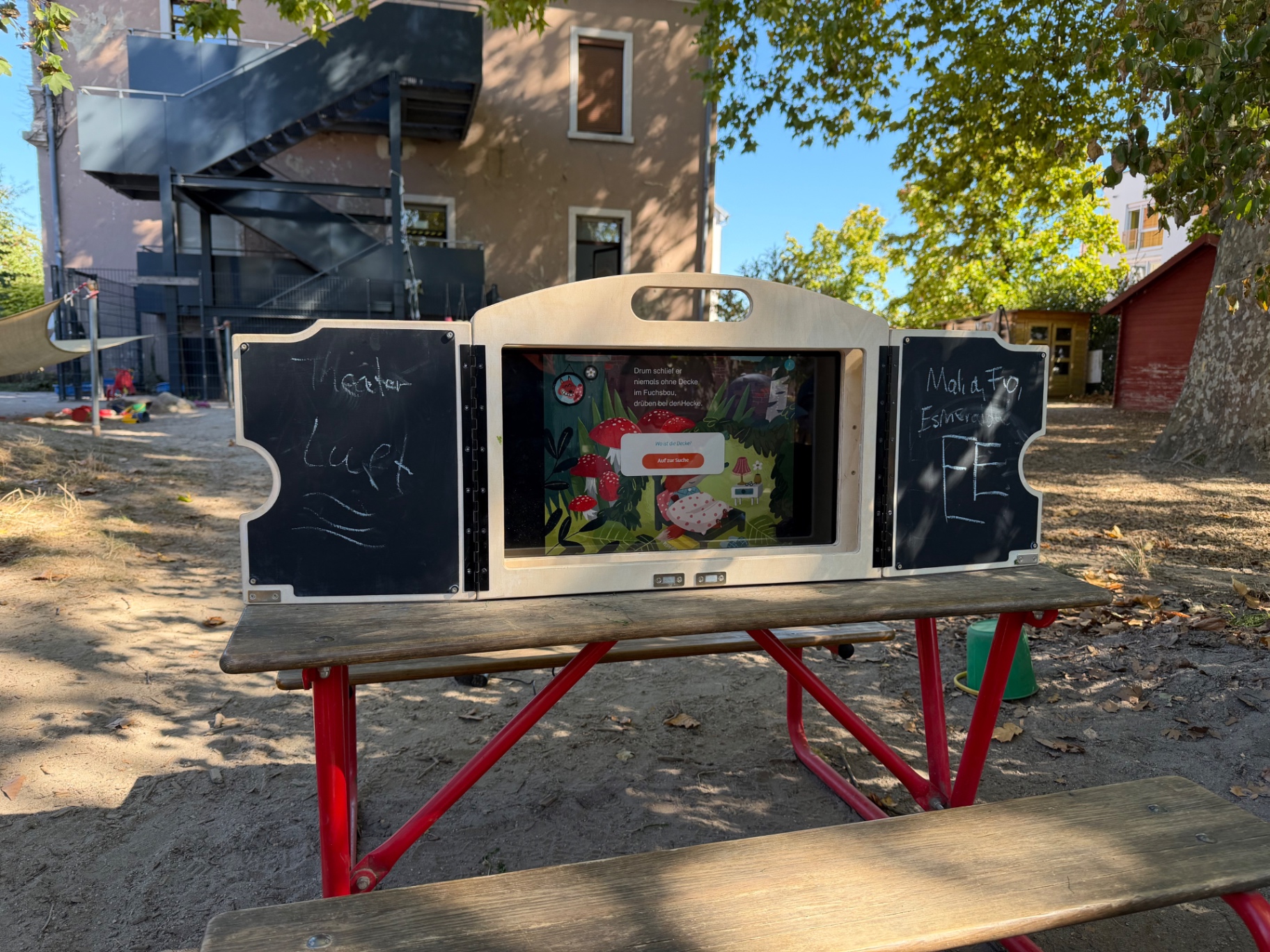
It can be used on the move: in the group room, in the reading corner, in the classroom or in the library.

01 — Picture book
Picture book pages appear large on the stage. The group sits together, one person tells the story, and everyone sees the same picture.

02 — Children's work
Paintings, craft projects and photos from everyday life at the setting can be shown and discussed together.
Project week
Our forest diary
03 — Presentation
For project weeks, parents' evenings or children's meetings, the eKami becomes a calm presentation surface.
Touch interaction — depending on the model
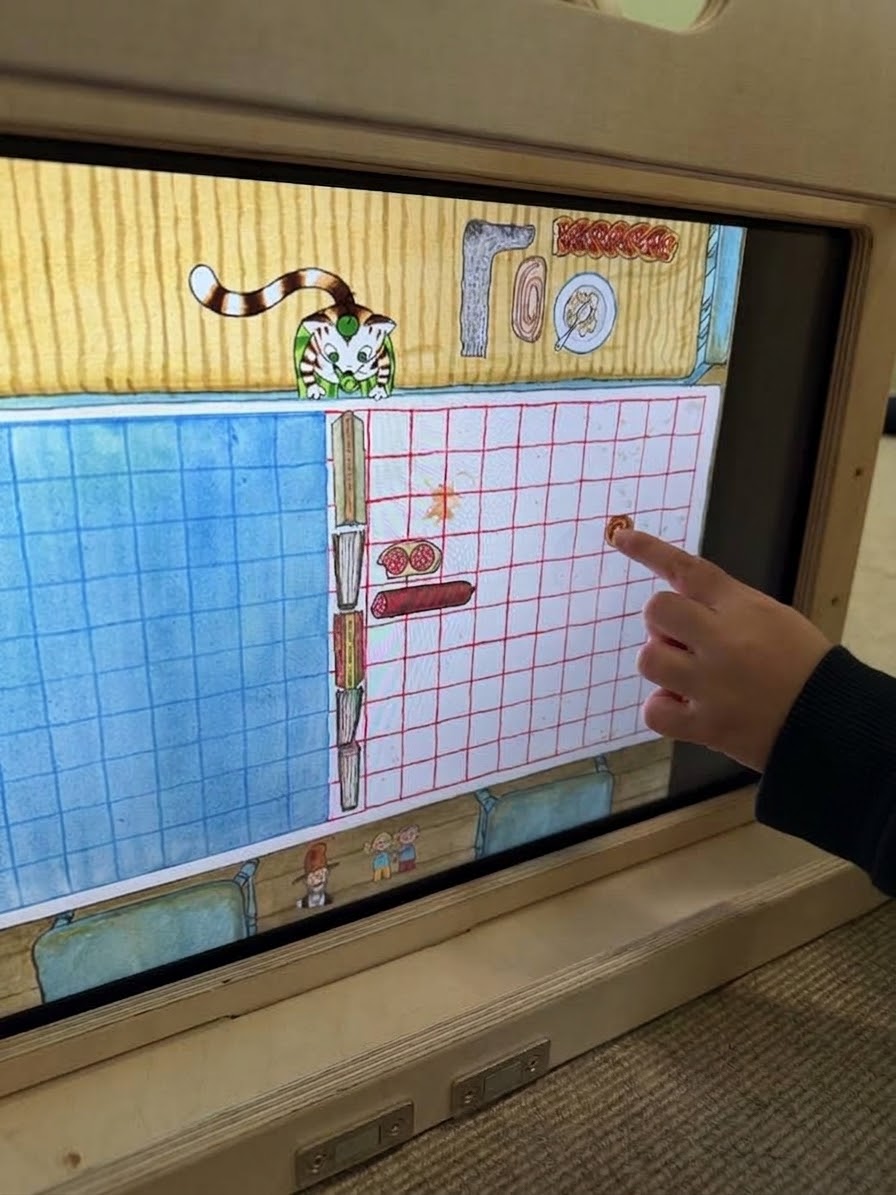
04 — Touch
Content can be scrolled through, enlarged and selected directly on the screen – with touch control, depending on the model.
Two ways of working
The eKami adapts to the way you work.
Screen in the wooden frame – slightly tilted
Discover content together, experience stories, watch videos, work interactively and present.
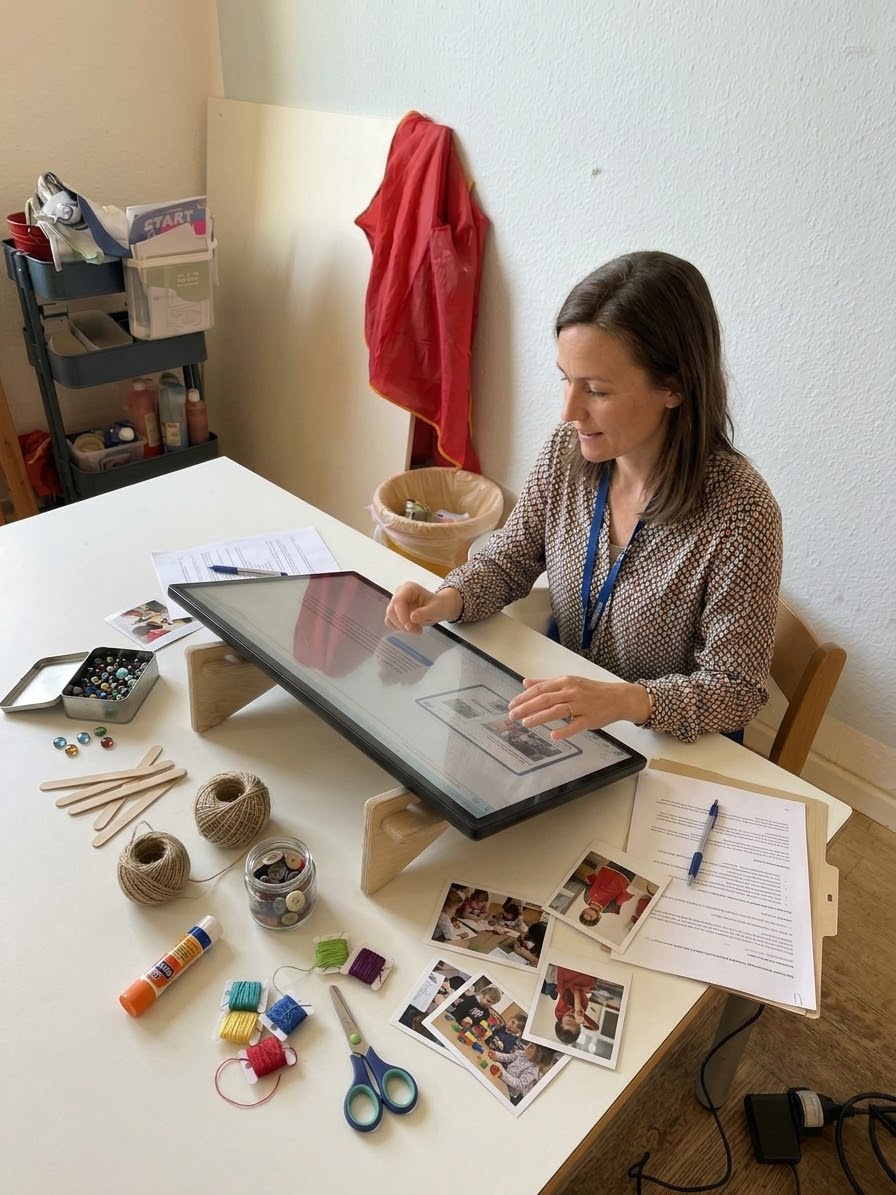
Screen lies flat in front of you
Design, write, document and work creatively on your own content.
The special benefit
Benefit 01
Children and adults experience content together. One child can operate it while the group watches, listens and talks about it.
Benefit 02
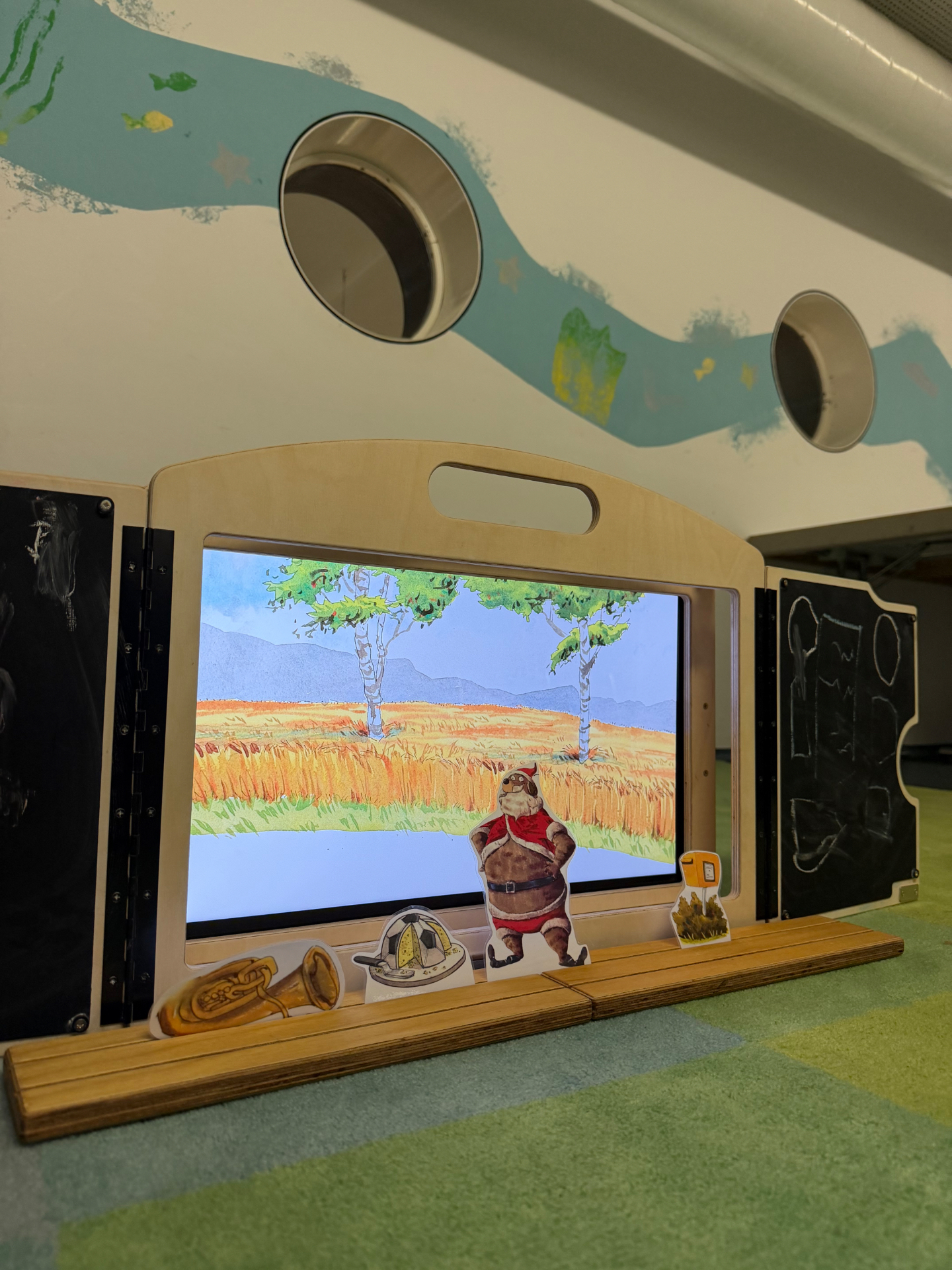
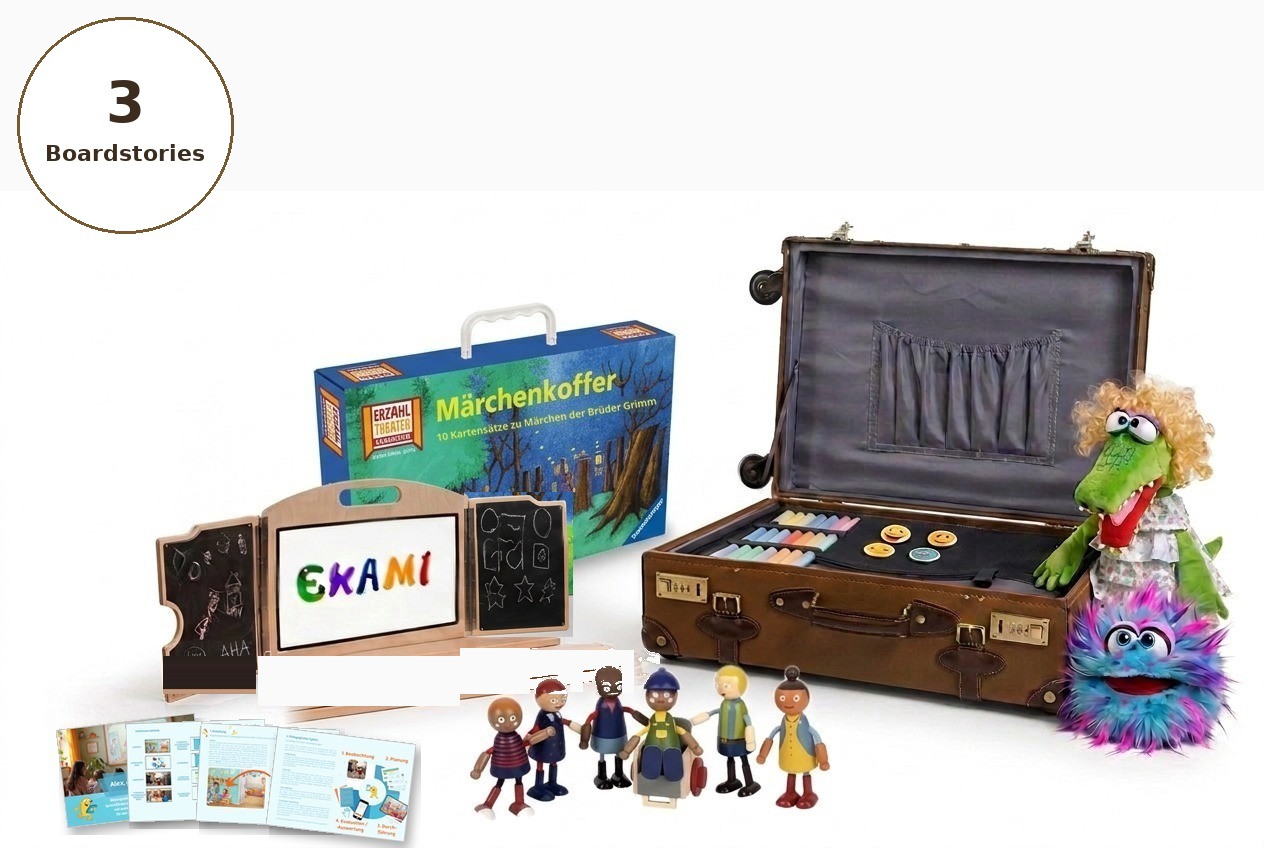
Screen, stories, pictures, children's own creations and classic materials belong together. Digital content becomes part of a shared learning moment – not an end in itself. Onilo boardstories, for example, can be complemented with tactile figures on the storytelling rail.
onilo.de(öffnet in neuem Tab)
Benefit 03
The eKami can be used wherever a story is being told: in the morning circle, in the reading corner, in the classroom, in the after-school club or in the library.
Benefit 04
The eKami is also suitable for holiday clubs, schools, youth centres and media education projects.
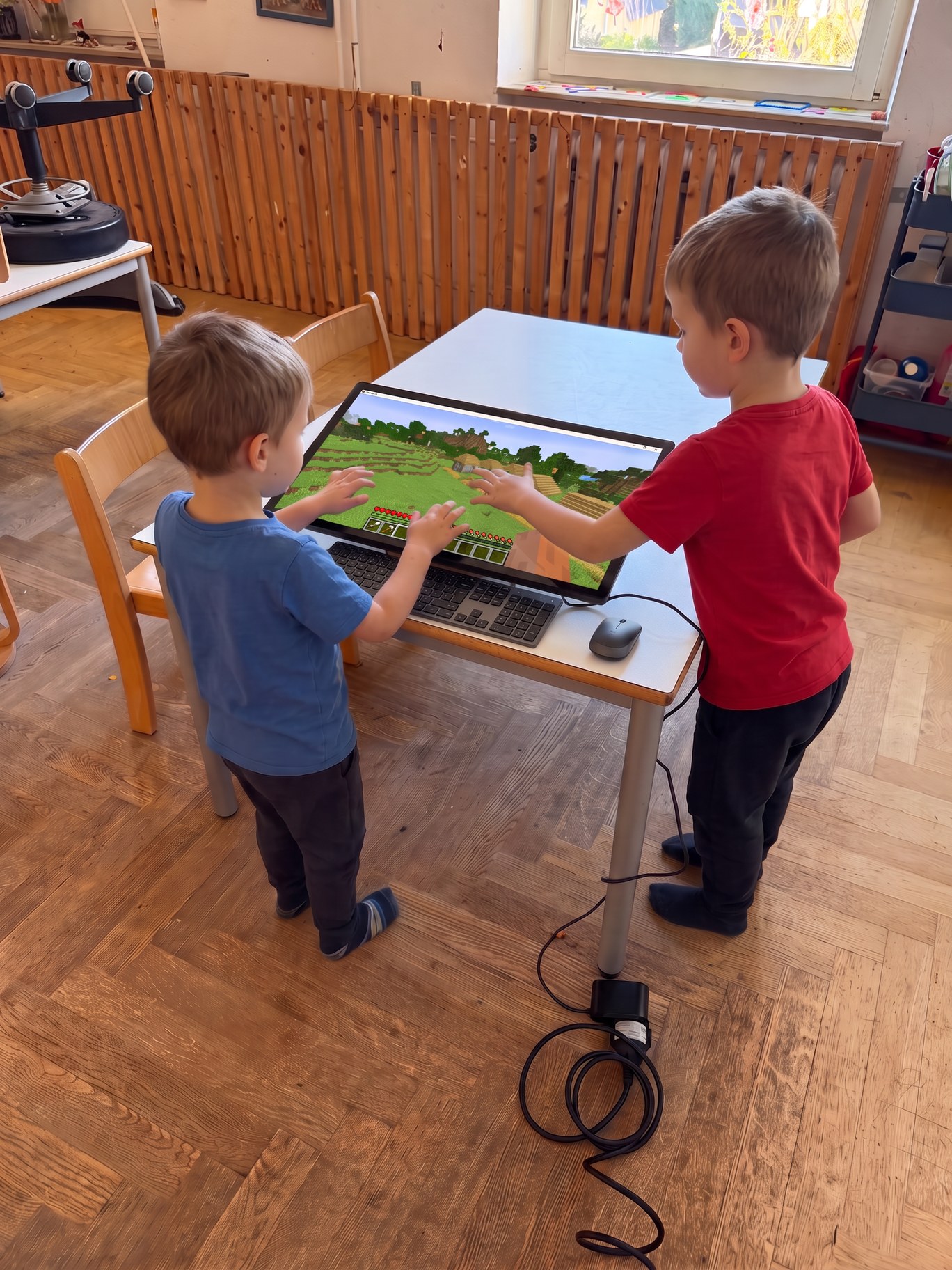
Digital games can become the starting point for creative stories and joint projects. With Luanti, virtual worlds can be explored and used as a basis for your own stories and storytelling formats.
Luanti is an independent project. The eKami provides the mobile technical working environment for such endeavours.
Benefit 05
The eKami doesn't just support children and groups with media work. It can also become a digital workstation for early years practitioners.
The eKami connects media education with everyday pedagogical work.
Benefit 06
The eKami invites you to link digital and analogue worlds. This makes it possible to playfully experience early coding ideas – with a camera, chalk and movement.
A camera shows the nursery room live on the eKami. On one panel, the allowed movements are drawn: left, right, forward, backward, jump. On the other panel, the children sketch the level with chalk. They then rebuild it in the room using foam blocks. One child sits in front of the eKami and gives instructions to another child – whose eyes are covered – to guide them safely through the level.

Possible uses
Pages are shown large and clear. Telling, turning pages and asking questions remain a shared moment.
Everyday recordings, short films or photo series play out on the group's stage.
Paintings, constructions and written work get a visible place in front of the group.
Objects, pictures or work results can be shown live – with a suitable camera, depending on the equipment.
Existing devices can be connected. Which options are available depends on the model.
A painted picture is photographed, shown, edited further and printed out again.
Topics, rules or votes stay visible to everyone on the surface.
Children operate it, make choices and explain – supported by the practitioner.
Projector
Via a connected projector, content from the eKami can be transferred onto a large projection surface and presented to a whole group.
Product visualisation
BYOD – Bring Your Own Device
The eKami makes it possible to connect your own compatible device and quickly bring in and share existing content.
No need to prepare content twice. Simply bring existing materials along and use them directly.
Classic Kamishibai
Classic Kamishibai also has its place here.
The eKami can also be used with classic Kamishibai picture cards in A3 format.
Tried-and-tested storytelling and digital media education need not be opposites. The eKami combines classic pedagogical methods with digital possibilities.
The eKami doesn't replace tried-and-tested methods – it expands their possibilities.
Product in the setting
Setting 01
Stories in the morning circle, pictures from everyday group life, children's meetings. The eKami stands where the group comes together and can be moved between rooms.
Setting 02
Presenting projects, showing work results, putting media education into practice. Small groups can also work with it independently.
Setting 03
Reading offers, outreach formats and interactive media experiences. The eKami can be set up for events and put away again afterwards.
Pedagogical framework
In its design, the eKami is guided by the UN Convention on the Rights of the Child and the mandate for digital education. Children have a right to education, participation and access to information – including in a digital world.
Children operate it themselves, choose content and create their own works – participation becomes tangible in everyday life.
Digital content can be experienced together wherever learning and storytelling are already taking place – regardless of room or personal devices.
Digital education is part of contemporary curricula. The eKami provides a mobile working environment suited to everyday use.
Media use takes place within the group with guidance – curated by practitioners, not in isolation on an individual device.
Professional guidance is drawn, among other things, from the 'Competence Framework for Digital Education in Bavarian Nurseries'. It describes educational goals for digital education work with children – the same goals that guide the design of the eKami. This does not involve any official certification or sponsorship.
How the individual competence areas relate to one another is shown by the competence wheel.
Operation and everyday use
Switch on, select content, get going. No lengthy set-up before the morning circle.
The surface is sized so that a group can sit together in front of it.
In the planned specification, content can be operated directly on the screen.
Sound for stories, songs and films – available depending on configuration.
The eKami is designed to be moved between rooms.
Technology and cables sit protected within the wooden frame, out of children's reach.
Operation and set-up height are designed for use with children.
Designed for daily use in educational settings; details vary depending on the model.
Technical specification
The eKami combines high-quality, proven components with a thoughtfully crafted wooden frame – openly documented and honestly stated.
Competencies
Partners and references


Made in Germany
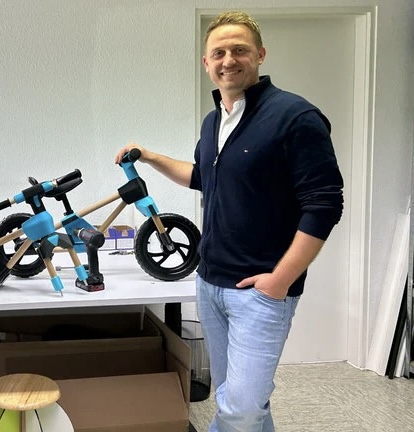
The eKami is manufactured in Germany – by FxB Engineering of Durmersheim.
Technical expertise, high-quality workmanship and short distances come together in a product developed for daily pedagogical use.
fxb.engineering(öffnet in neuem Tab)Enquiry
Would you like to use the eKami in your setting or discuss a suitable specification? Write to us. We'll get back to you with the next steps.
FAQ